Table of Contents
Introduction
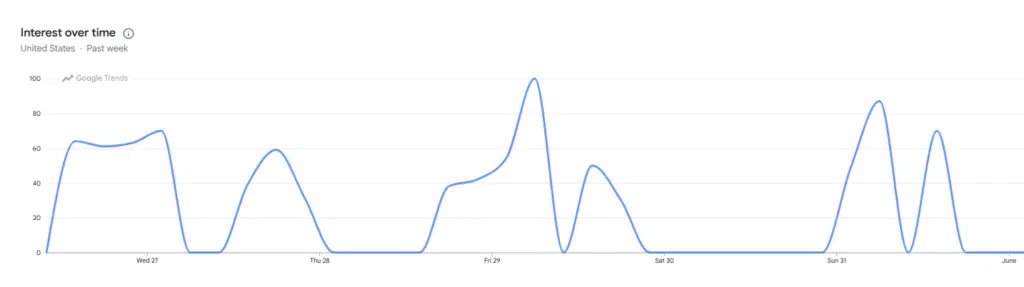
Querries for “Google Search Alternatives” have been spiking ever since the news broke out. Google’s latest move to upgrade (or downgrade, depending on who you ask) their search engine to a fully conversational AI experience has caused quite a stir. While the move has its supporters, it seems the majority of the online space disagrees with this decision. Following such a move, it’s no surprise that many people have started looking for alternative search engines with no AI.
Choosing a new search engine is not as simple as picking the most popular one. It really depends on your needs, wants and preferences. Are you a privacy-first user; or do you value speed and reliable results – these are all questions that go into the equation. In this blog, we’ll divide these into several categories:
- Mainstream search engines
- Privacy focused search engines
- Knowledge-Based search engines
- International search engines
- Specialized search engines
Mainstream search engines
1. Bing

Traditionally the biggest competitor to Google, as of December 2025 Bing handled nearly 10% of all search querries in the United States.
In some aspects, Bing outperforms Google. Bing has a rewards program that allows users to accumulate points while searching. These points are redeemable at the Microsoft and Windows stores, which is a great perk.
One could also argue that Bing’s visual search API is a lot better, cleaner and easier to use than its competition.
While neither company publishes a complete list of ranking factors, it’s widely understood that Google evaluates hundreds of signals when determining search rankings. Both Google and Bing have shared insights into how their search systems work, giving us a clearer picture of the factors they prioritize and where their approaches differ.
The two search engines place significant weight on elements such as content relevance, backlink quality, and website performance, making these areas important regardless of which platform you’re targeting. That said, Bing and Google don’t evaluate every signal in the same way, and each has its own preferences when ranking content.
The table below highlights some of the most notable similarities and differences between Google’s and Bing’s ranking systems. We’ll take a closer look at each factor in the sections that follow.
| Ranking Factor | Bing | |
|---|---|---|
| Mobile-First Indexing | ||
| Site Speed | ||
| Core Web Vitals | ||
| 302 Redirects Can Cause Indexing Issues | ||
| Understands JavaScript Content? | Less so | More so |
| Keywords in Title Tags and URLs | More so | Less so |
| Prefers .gov or .edu Domains? | ||
| Backlinks | Less so | More so |
| Social Media Signals | ||
| Indexing Short-Form Video Content (TikToks/Reels/Shorts) | ||
| Helpful, People-First Content | ||
| Relevance of Content to Search Terms | ||
| Content Freshness and Recency |
2. Yahoo
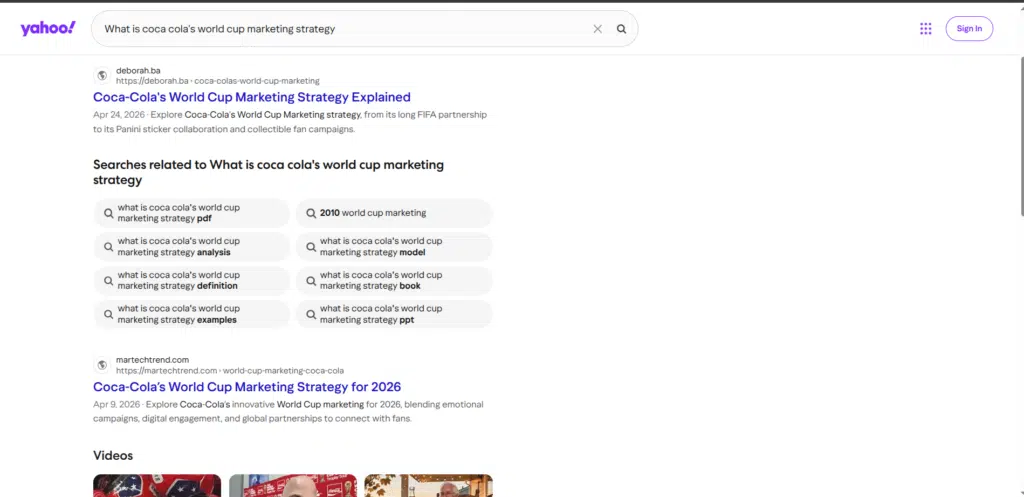
As of June 2026, Yahoo (Verizon Media) had a market share of 2,62% in the US.
Before Google became synonymous with online search, Yahoo was the Internet’s homepage.
Founded in 1994, Yahoo began as a human-curated directory of websites. In the early days of the web, users didn’t simply “Google” things. Instead, they browsed categories and directories to discover new websites. By the late 1990s, Yahoo had become one of the most visited destinations on the web. It served as a search engine, news portal, email provider, finance hub, chat platform, and much more. At its peak, Yahoo was the starting point for millions of internet users every day.
Today, Yahoo Search is still active, but it operates very differently than it did during its heyday. Rather than maintaining its own search index, Yahoo’s search results are powered primarily by Microsoft’s Bing. This means the quality and ranking of search results are largely similar to what you’ll find on Bing itself.
Yahoo’s biggest advantage is its ecosystem. Services like Yahoo Mail, Yahoo Finance, Yahoo News, and Yahoo Sports continue to attract large audiences and many users perform searches without ever leaving the Yahoo environment.
Pros
- Familiar interface for long-time internet users
- Search results powered by Bing
- Integrated with Yahoo News, Finance, Sports, and Mail
- Strong content discovery experience through Yahoo’s portal-style homepage
- Still maintains a loyal user base despite Google’s dominance
Cons
- Doesn’t operate its own independent search index
- Search results are often nearly identical to Bing’s
- Far smaller market share than Google or Bing
- Less innovative than newer alternatives like Perplexity, Brave Search, or Kagi
Is Yahoo still relevant in 2026?
Yahoo no longer competes directly with Google on search quality, but it remains one of the most recognizable brands in internet history. Interestingly, the company is also attempting a return to the search spotlight through Yahoo Scout, an AI-powered answer engine launched in 2026. Similar to tools like ChatGPT Search and Perplexity, Scout provides conversational answers while citing sources from across the web.
For most users, Yahoo isn’t the best alternative to Google Search. However, if you already use Yahoo’s ecosystem or just miss the classic web portal experience that defined the early internet, Yahoo is still a surprisingly viable option.
3. Ecosia
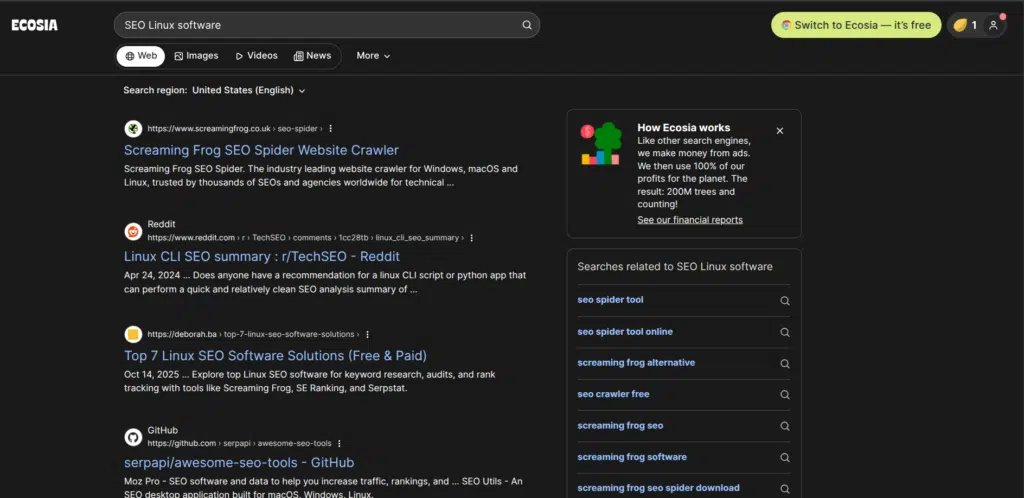
If you’d like your daily searches to contribute to something bigger than finding information, Ecosia is one of the most unique alternatives to Google available.
Founded in 2009, Ecosia is a search engine built around a simple idea: use search advertising revenue to fund environmental projects. The company commits 100% of its profits to climate action, with the majority going toward planting and protecting trees around the world. To date, Ecosia says its community has helped plant more than 240 million trees across more than 35 countries.
Unlike Google, Ecosia doesn’t maintain a fully independent search index. Most of its search results are powered through Microsoft’s Bing infrastructure and advertising network, which means the search experience is often similar to Bing. The company also offers browser extensions and mobile apps that make it easy to set Ecosia as your default search engine.
One area where Ecosia stands out is transparency. The company publishes monthly financial reports showing how much revenue it generates and where the money goes. It also invests in renewable energy projects and claims to produce more renewable energy than is required to power its searches and AI features.
Search quality is generally solid for everyday browsing, news, shopping, and informational queries. However, because Ecosia relies heavily on Bing’s search infrastructure, users may occasionally notice differences in result quality compared to Google, particularly for highly specific or technical searches.
Pros
- Uses 100% of profits for climate action and environmental projects
- More than 240 million trees planted through its initiatives
- Transparent monthly financial reporting
- Strong privacy protections compared to Google
- Familiar search experience powered largely by Bing
- Available as a browser extension and mobile app
Cons
- Search results depend heavily on Bing’s index
- Results may not be as comprehensive as Google’s for niche topics
- Revenue relies on search advertising, meaning ad interactions help fund its environmental mission
- Smaller ecosystem and market share than Google or Bing
Privacy-focused search engines
Privacy is an increasingly important issue among Internet users.
Privacy-focused search engines prioritize users’ privacy and their appeal is that they don’t track users’ activities or collect personal data.
Some of the most popular include:
4. KARMA Search
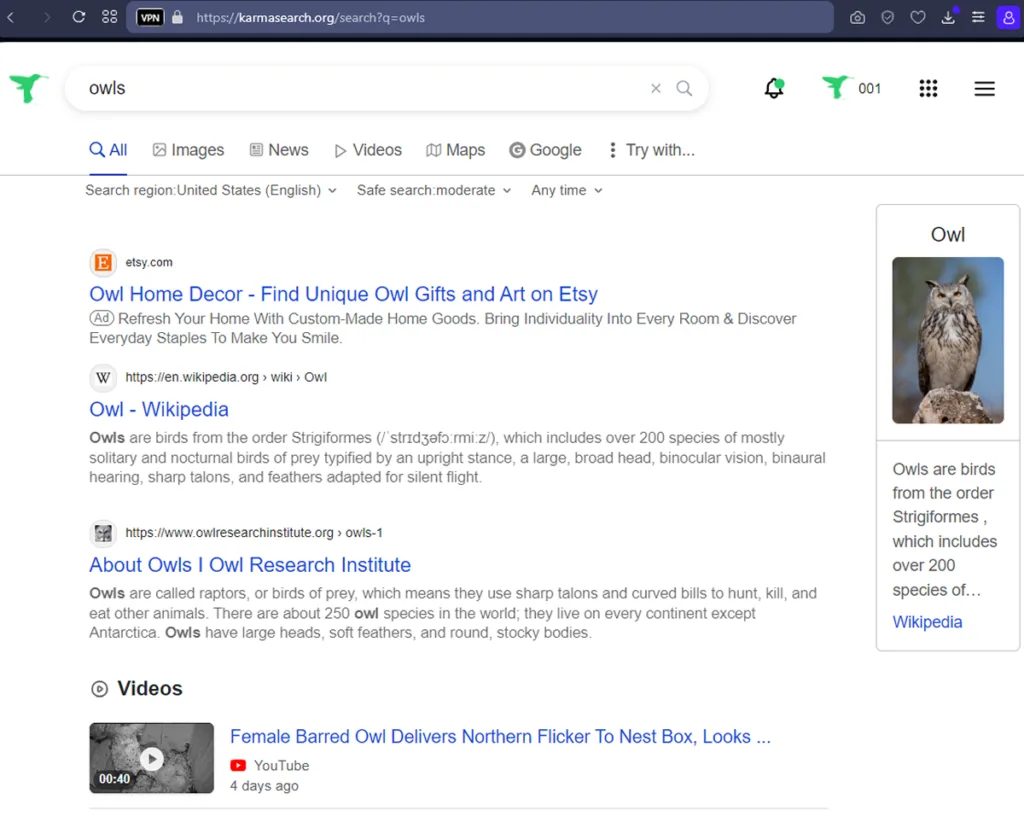
The idea behind KARMA Search is to protect endangered wildlife.
It’s a privacy-focused search engine that turns every-day web searches into funding for conservation and animal welfare projects. Rather than keeping advertising profits for shareholders, KARMA directs revenue from sponsored search results to nonprofit organizations such as Re and Humane Society International.
Founded in France and launched in the United States in 2024, the platform supports biodiversity initiatives, wildlife protection programs, habitat restoration projects, and other environmental causes around the world.
From a search perspective, KARMA is powered by Brave Search, one of the few major search engines with an independent web index. This means users aren’t relying on Google’s search infrastructure, while also benefiting from Brave’s privacy-focused approach that avoids tracking and user profiling.
One feature that sets KARMA apart from many alternative search engines is its collection of specialized search shortcuts. Users can quickly switch to tools such as Wolfram Alpha for calculations and data analysis or the Internet Archive for historical versions of web pages, making it particularly useful for research-heavy searches.
The platform also includes a “Learn & Act” section that highlights conservation news, petitions, and environmental initiatives, giving users opportunities to support causes beyond simply searching the web.
One big disadvantage of KARMA search is that it’s still not available in many countries around the world.
5. DuckDuckGo
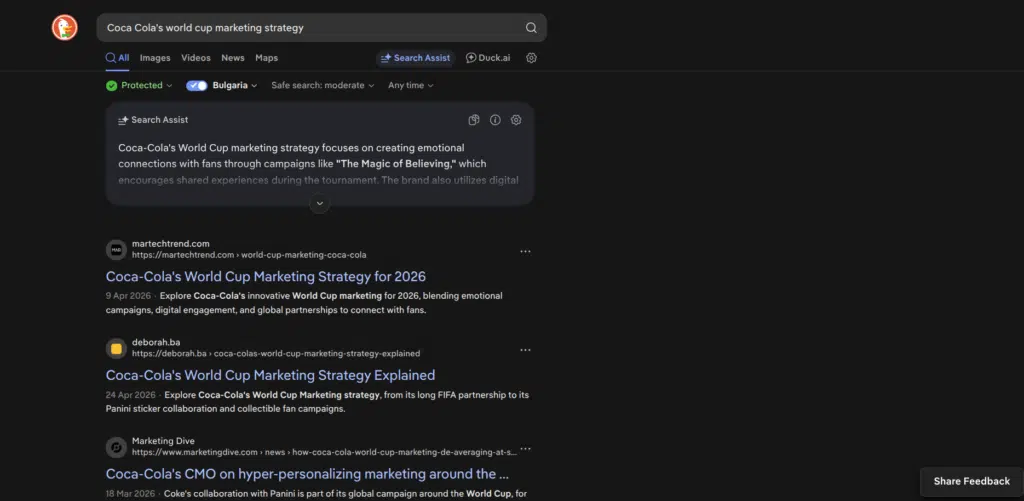
When people talk about alternatives to Google, DuckDuckGo is usually the first name that comes up, and for good reason.
Founded in 2008, DuckDuckGo built its reputation on a simple promise: your searches should remain private. While Google uses search history, browsing activity, location data, and other signals to personalize results and advertisements, DuckDuckGo takes the opposite approach. The company states that it doesn’t track users, store personal search histories or build profiles based on online behavior.
That means every user sees largely the same search results for the same query. There are no personalized search bubbles, no long-term search profiles, and no targeted advertising based on your search history. For many users, that’s exactly the appeal. If you’ve ever searched for a product once and then been followed around the internet by ads for weeks, DuckDuckGo offers a refreshing alternative.
Privacy is also becoming a major selling point in the AI era. As search engines collect more user data to power personalized AI experiences, DuckDuckGo continues to position itself as a privacy-first option. The company has expanded beyond search into privacy-focused browsers, tracker blocking, email protection, and even AI-powered search features that don’t require users to create accounts.
DuckDuckGo has grown steadily over the past decade and held approximately 2.2% of the U.S. search market by the end of 2025, making it one of the largest independent search engines outside of Google and Bing. While that may sound small, it represents millions of users who prioritize privacy over personalization.
Another useful feature is DuckDuckGo Lite, a lightweight version of the search engine designed for slower connections, older devices, and users who prefer a minimalist, no-JavaScript experience. The platform also offers extensive search shortcuts, known as “Bangs,” which allow users to search directly on thousands of websites with simple commands.
6. Startpage

What if you could get Google’s search results without Google tracking you?
That’s essentially what Startpage offers. Founded in the Netherlands, Startpage is a privacy-focused search engine that delivers Google-quality search results while removing the tracking, profiling, and data collection typically associated with Google Search. Rather than crawling the web independently, Startpage acts as a privacy layer between you and major search providers. Your search query is submitted anonymously, allowing you to benefit from Google’s search index without sharing your personal information directly with Google.
Privacy is the platform’s biggest selling point. Startpage states that it does not store search histories, record IP addresses, create user profiles, or sell user data. Because there is no profiling, every user receives the same search results for a given query, free from personalization based on browsing history or location.
Another major advantage is its European foundation. Startpage operates under Dutch and European privacy regulations, including GDPR protections, which appeal to users concerned about how technology companies handle personal data. The platform also allows users to choose European servers, adding another layer of privacy control.
One feature that stands out is Anonymous View, a built-in proxy service that lets users visit websites without revealing their identity to the destination site. Think of it as a lightweight privacy shield that helps prevent websites from tracking your IP address or browser information. Startpage also includes HTTPS support and a URL generator that saves preferences without relying heavily on cookies.
The trade-off is that Startpage isn’t fully independent. Because it relies on Google and other search partners for its results, it inherits many of the strengths and limitations of those search indexes. If your goal is maximum privacy while keeping Google’s search quality, that’s a benefit. If you’re looking for a completely independent alternative to Google, Brave Search or Mojeek may be more appealing.
7. Brave Search
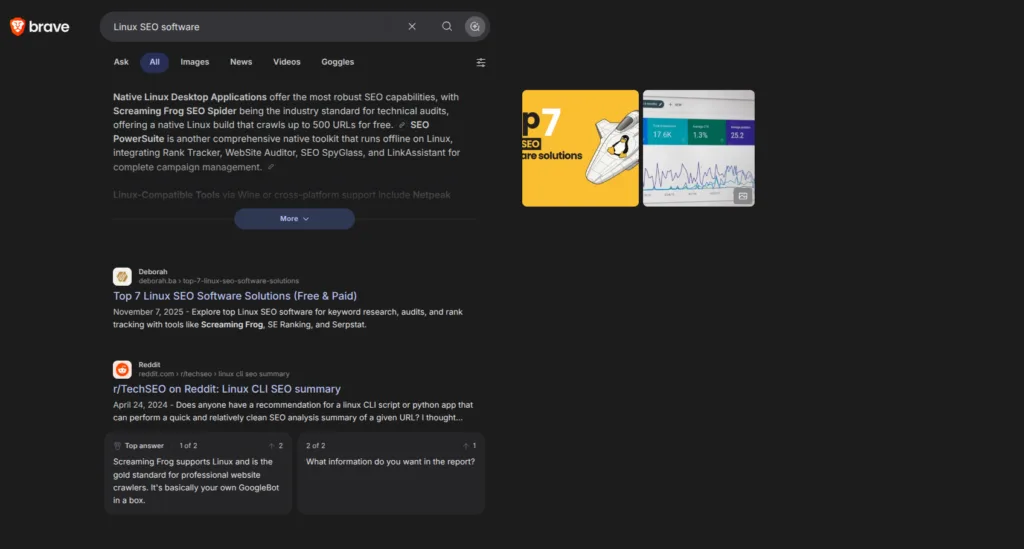
If your goal is to escape both Google’s ecosystem and Microsoft’s, Brave Search is one of the few genuine alternatives available.
Launched in 2021, Brave Search has grown into one of the world’s largest independent search engines (and web browsers). Unlike DuckDuckGo, Yahoo, or Ecosia, which rely heavily on other companies’ search indexes, Brave Search now operates entirely on its own index. This makes it one of only a handful of global-scale search engines capable of crawling and ranking the internet independently. For those concerned about the concentration of power among a handful of tech giants, that’s a significant advantage.
Brave Search has also experienced huge growth. By August 2025, the platform was processing more than 1.5 billion searches per month.
Privacy is at the heart of the Brave ecosystem. The search engine doesn’t create detailed user profiles, track search histories, or personalize results based on extensive behavioral data. Users receive search results without the level of surveillance that has become common across much of the modern web.
Beyond search, Brave offers an entire suite of privacy-focused tools. Its browser includes built-in ad and tracker blocking, a customizable news feed, free video calling functionality, offline playlists, a cryptocurrency wallet, IPFS integration for decentralized web content, and support for Tor browsing to enhance anonymity online.
One particularly unique feature is Brave Rewards. Users can choose to view privacy-preserving advertisements and receive rewards in return. Unlike traditional online advertising models that rely on extensive user tracking, Brave’s approach aims to deliver ads while keeping personal data private.
The trade-off is that Brave Search’s index is still a lot smaller than Google’s. For highly niche searches, local queries, or extremely fresh content, users may occasionally find Google’s results more useful still. However, the gap has narrowed as Brave’s index continues to expand.
8. Kagi

Founded in 2022, Kagi is a subscription-based search engine that charges users directly instead of relying on advertising revenue. If you’re the customer, the search engine doesn’t need to optimize for clicks, engagement, or ad impressions. It can focus entirely on delivering the best possible search results.
This approach has made Kagi especially popular among researchers, journalists, developers, academics, and generally useres who spend large portions of their day searching for raw information. While paying for a search engine sounds unusual at first (mental even), many users view it as a worthwhile investment for their productivity.
One of Kagi’s standout features is Lenses, which lets users to customize how search results are displayed.
For example, you can create a search experience that prioritizes academic papers, discussion forums, blogs, technical documentation, or independent websites while reducing the visibility of content farms and SEO-heavy pages. We’re in a time where many search results feel quite commercialized, so this level of control is a major selling point.
Kagi also gives users the ability to block websites they don’t trust, boost sources they value and personalize rankings without relying on invasive tracking.
The biggest hurdle, of course, is the price. Unlike Google, Brave Search, or DuckDuckGo, Kagi isn’t free. Plans start at around $5 per month for a limited number of searches and scale up to premium tiers with unlimited searches and advanced AI features. That said, many subscribers would argue that the lack of ads, cleaner search results and productivity gains easily justify the cost.
Pros
- Completely ad-free search experience
- No user tracking or profiling
- Powerful Lenses feature for customizing search results
- Ability to prioritize or block specific websites
- Excellent for research, academic work, and professional use
- AI-assisted research tools available on higher plans
- Less SEO spam and content farm clutter than many mainstream search engines
Cons
- Requires a paid subscription
- Smaller user base than Google or Bing
- Some features have a learning curve
- Occasional bugs and missing functionality reported by users
- May be excessive for casual searchers who only perform a few searches per day
Knowledge-based search engines
9. SlideShare
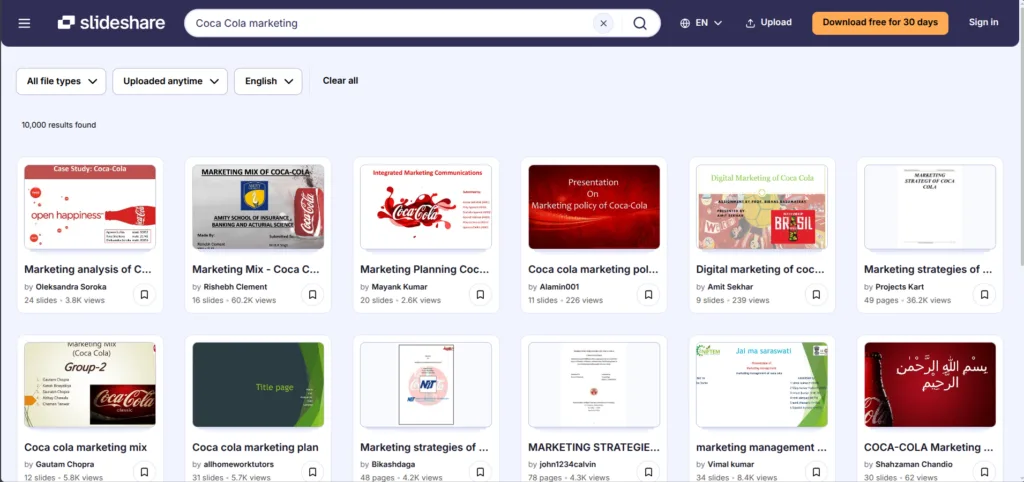
Sometimes you’re looking for a presentation, a market report, a lecture, or a ready-made slide deck. For such specific things SlideShare is one of the best options.
Originally launched in 2006 and now owned by Scribd, SlideShare functions as a searchable library of presentations, PDFs, infographics, documents, and ebooks uploaded by professionals, educators, businesses, and researchers. Rather than searching the broader web, users can search directly through millions of presentation-based resources.
For business professionals, SlideShare can be particularly valuable when preparing presentations, researching industry trends, or gathering statistics and visual examples. Marketing agencies, consultants, universities, and large corporations frequently publish presentations that would otherwise be difficult to discover through traditional search engines.
One of SlideShare’s biggest advantages is its ability to surface information in a highly digestible format. Instead of reading a 3,000-word article, users can often find a concise presentation summarizing key findings, industry reports, case studies, or best practices.
The platform also hosts a wide range of educational content, from university lectures and conference presentations to professional training materials and white papers. For students and researchers, this can provide an alternative perspective beyond traditional websites and academic journals.
Another useful feature is document access. In addition to slide decks, SlideShare allows users to discover PDFs, ebooks, reports, and other downloadable resources. Many presentations can be saved for later viewing, and some creators allow their content to be downloaded for offline use.
That said, users should approach SlideShare content with the same critical thinking they’d apply to any online source. Since presentations are uploaded by individual users and organizations, content quality can vary significantly, and information may not always be updated regularly.
10. Wayback machine

Everyone has at some point in their life stumbled across a dead link and wondered what used to be there? The Wayback Machine was built to answer exactly that question.
Operated by the Internet Archive, it continuously captures snapshots of websites and stores them in a huge digital archive. At the time of writing, the archive contains hundreds of billions of saved web pages dating back to the 1990s.
Most people discover the Wayback Machine when trying to recover a deleted page, view an old version of a website or investigate how a company, politician, or publication has changed its messaging over time. Journalists use it to verify claims and researchers use it to preserve disappearing information.
Yet websites are only one aspect of it.
The Internet Archive has gradually grown into one of the largest free digital libraries. Beyond archived websites, users can explore millions of books, movies, TV recordings, music tracks, software programs, photographs and historical documents. You can find all of that on a single platform.
For marketers and SEO professionals, the Wayback Machine is especially useful for competitive research. You can analyze how a competitor’s website evolved over time, uncover deleted content, identify old backlink opportunities, or review previous branding and messaging strategies.
Of course, the platform isn’t designed to replace Google. You won’t use it to find the nearest coffee shop or compare laptop prices. Instead, it serves a different purpose: helping users explore information that has disappeared, changed, or been forgotten.
It’s one of the best choices for researchers, journalists, historians, SEO professionals and anyone curious about what the internet looked like before social media took over.
Specialized search engines
11. WolframAlpha
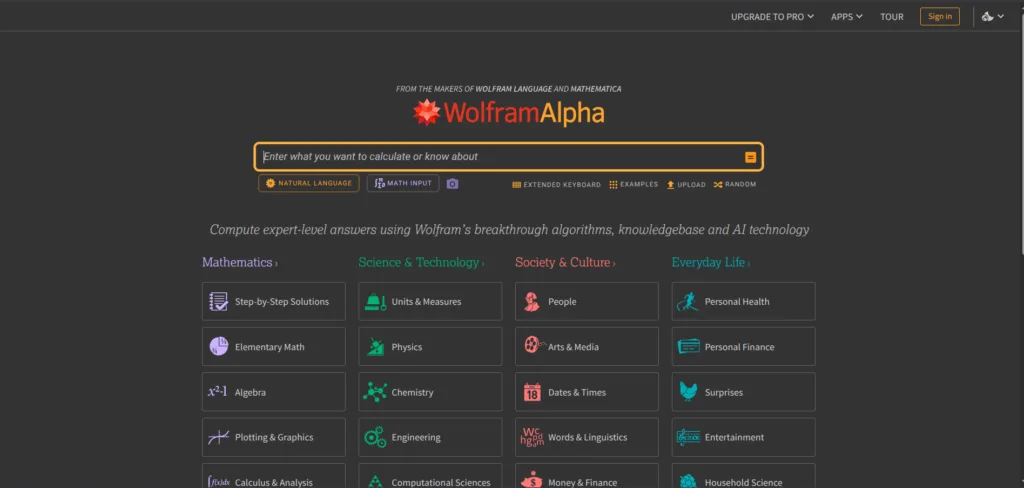
Launched in 2009 by mathematician and computer scientist Stephen Wolfram, WolframAlpha is what’s known as a computational knowledge engine. Rather than returning a list of websites, it will attempt to generate direct answers by processing structured data and performing calculations in real time.
Ask Google “What is the population of France?” and you’ll get links. Ask WolframAlpha the same question and you’ll get population figures, demographic breakdowns, historical trends, maps, and related statistics. The difference becomes even more obvious with technical queries. WolframAlpha can solve equations, perform statistical analysis, convert units, generate graphs, analyze datasets, and answer complex scientific questions that would normally require specialized software.
This makes it particularly popular among students, educators, engineers, researchers, economists, and data analysts. Whether you’re solving a calculus problem, comparing economic indicators between countries, analyzing chemical compounds, or studying linguistic patterns, WolframAlpha is built to provide answers rather than point you elsewhere.
One of its lesser-known strengths is language analysis. The platform can break down word frequencies, etymologies, letter distributions, and other linguistic data, making it useful for writers, language students, and researchers in addition to STEM professionals.
For users who need more advanced functionality, WolframAlpha Pro expands the platform significantly. Paid plans allow users to upload spreadsheets, images, documents, and datasets for analysis. Pro users can also access step-by-step solutions, downloadable results, and more advanced computational tools. Pricing starts at approximately $9.99 per month, with plans tailored for individuals, students, and educators.
The biggest limitation is that WolframAlpha isn’t designed to replace a traditional search engine. You won’t use it to find restaurant reviews, compare smartphones, or search news. Instead, it excels when the goal is computation, analysis and fact-based knowledge retrieval.
12. LinkedIn
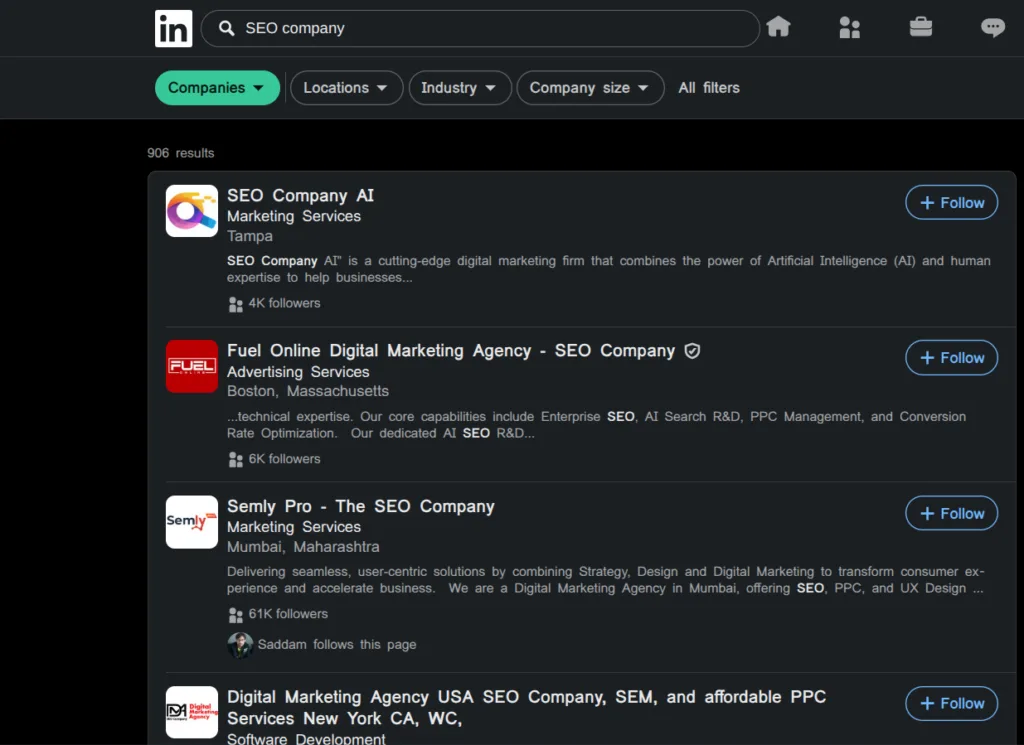
Most people think of LinkedIn as a place to network, find jobs, and connect with colleagues. Increasingly, though, it’s also becoming a search engine in its own right.
Whether someone is looking for a company, employee, recruiter, service provider, or industry expert, LinkedIn’s search function is often where they start.
For businesses, visibility in LinkedIn search depends on several factors. Companies with distinctive names generally have an advantage over those with generic or highly competitive names. A business called “Innovative Tech Solutions” is easier for LinkedIn to identify and surface than one using a broad name that’s similar to dozens of others.
While keywords still matter, cramming them into your company page or profile isn’t a shortcut to better rankings. In some cases, it can actually hurt visibility and make a profile look spammy.
LinkedIn also considers signals such as follower count, connections between users and the page, posting activity, and how closely a company’s name and profile information match the search query.
In other words, the businesses that show up most often in LinkedIn search tend to be the ones with active profiles, engaged audiences, and clear positioning.
Copyright-free search engine
13. Openverse
Finding the right image for a blog post can be surprisingly stressful.
You find the perfect photo, download it, and then spend the next ten minutes wondering whether you’re about to receive an angry email from a photographer or a copyright claim from a stock image company. Openverse exists to solve that problem.
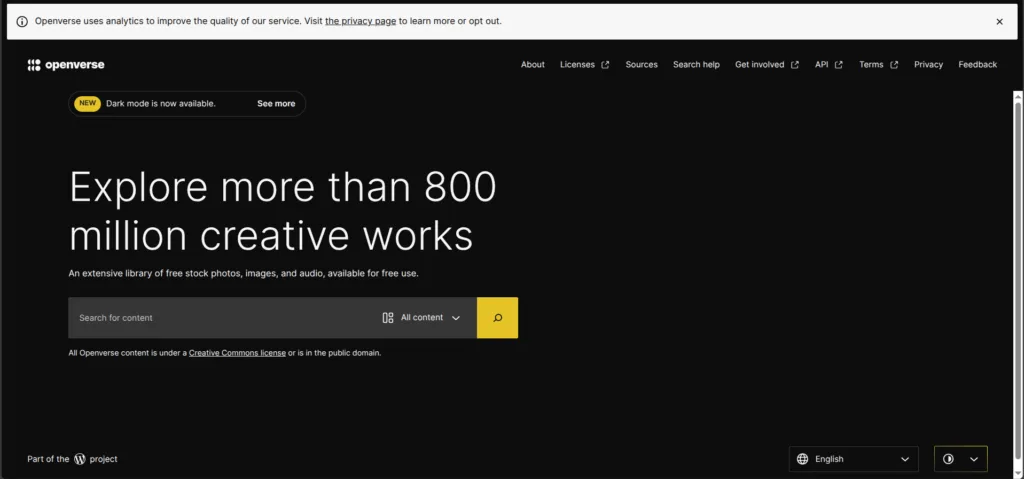
Created as an open-source project under WordPress.org, Openverse is a search engine dedicated entirely to openly licensed and public domain content. Instead of searching the entire web, it searches hundreds of millions of images and audio files from museums, government archives, educational institutions, and creative platforms around the world.
For content creators, that’s incredibly useful. Need a featured image for a blog post? Background music for a YouTube video? Historical photographs for a presentation? Openverse can help you find media that is legally available for reuse, often with attribution requirements clearly explained.
One of the platform’s strengths is transparency. Every result includes licensing information, helping users understand whether they can modify, share, or use the content commercially. That removes much of the guesswork that comes with sourcing media through traditional search engines.
While Google Images can also filter by usage rights, copyright-free content isn’t its primary focus. Openverse was built specifically for that purpose, which makes it much easier to discover reusable media without digging through pages of unrelated results.
Key takeaway
Google remains the dominant search engine, and will probably remain so for at least another decade. But that doesn’t automatically make it the right choice for everyone.
As we’ve seen, the search market is far more diverse than it was a decade ago. Whether you value privacy, ad-free browsing, academic research, historical archives; there’s likely a search engine built with those priorities in mind.
The best alternative to Google Search really depends on what you’re trying to accomplish. Some tools are great at finding information, others at analyzing it. Some protect your privacy, while others help you discover content that traditional search engines often overlook.
Switching search engines has never been easier. Most of the options on this list are free to try and many can be set as your default search engine in a matter of seconds (especially on mobile).
So before automatically typing your next query into Google, consider exploring some of these alternatives. You could discover a search experience that’s far better suited your needs.
FAQ
1. What is the best alternative to Google Search?
The best alternative depends on your needs. DuckDuckGo and Startpage are popular for privacy, Brave Search offers an independent search index, Kagi provides an ad-free premium experience, and Perplexity excels at AI-powered research.
2. Are there search engines that don’t track users?
Yes. DuckDuckGo, Startpage, Brave Search, and Kagi all prioritize user privacy and collect far less personal data than Google.
3. Which search engine is best for privacy?
DuckDuckGo, Startpage, and Brave Search are among the most privacy-focused options. They don’t build extensive user profiles or track your searches the way Google does.
4. Is Google still the best search engine?
For many users, Google still offers the most comprehensive search results. However, other search engines may be a better fit if privacy, ad-free browsing, environmental impact, or specialized research tools are important to you.
5. What is the best search engine for academic research?
Kagi, WolframAlpha, and Google Scholar are excellent choices for research. Kagi’s customizable search filters and WolframAlpha’s computational capabilities make them particularly useful for students and professionals.
6. Are paid search engines worth it?
For heavy researchers, journalists, developers, and professionals, a paid search engine like Kagi can be worthwhile. Its ad-free experience, advanced filters, and customization tools can save significant time when searching for information.
7. How do I change my default search engine?
Most browsers allow you to change your default search engine in the settings menu. Popular alternatives such as DuckDuckGo, Brave Search, Ecosia, and Startpage can usually be set as the default in just a few clicks.